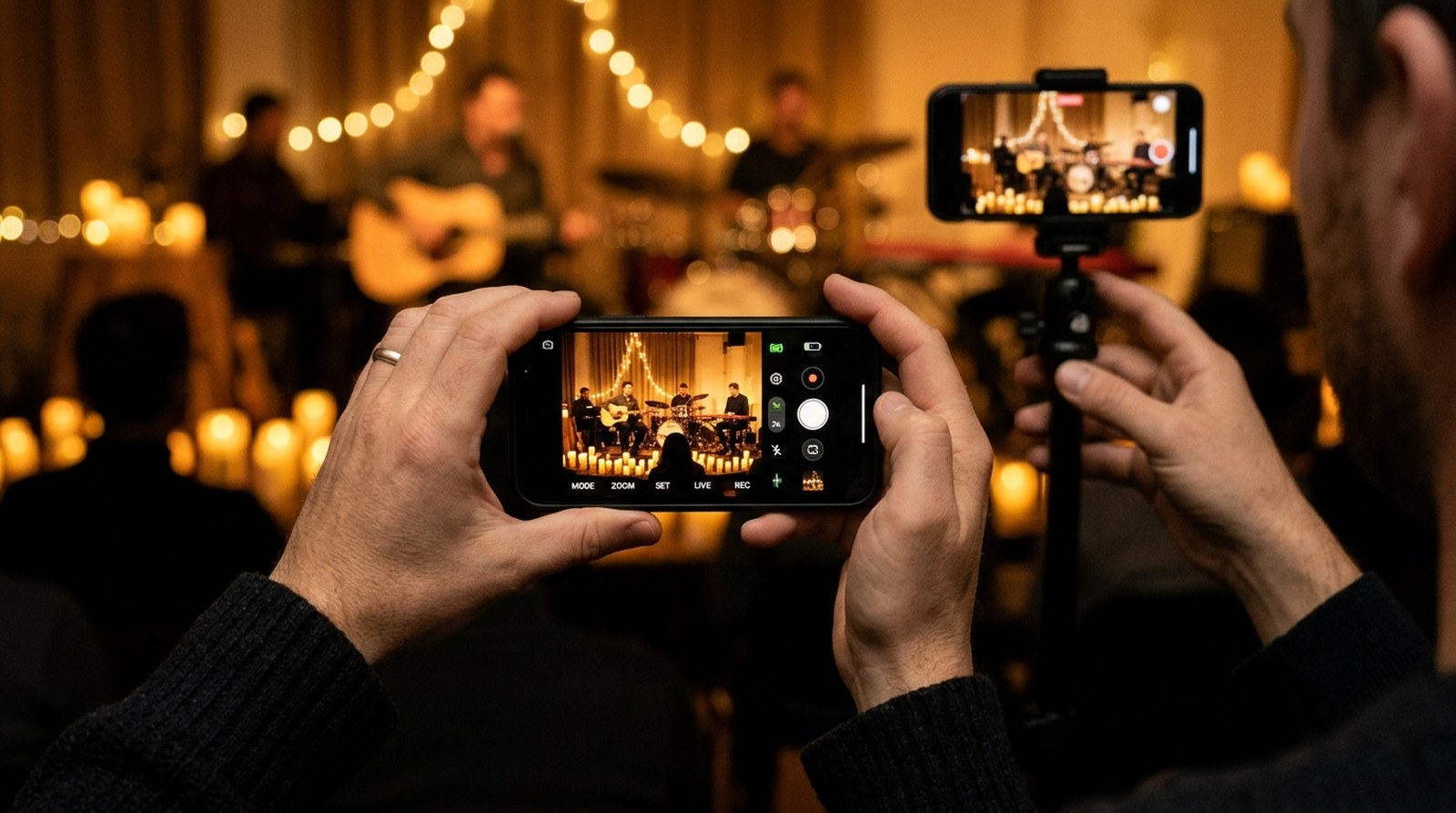
Most camera apps give you either a pretty automatic picture or a wall of sliders. This one gives you both, parameter by parameter, and then sends the picture where a production needs it: to a card, to NDI, to a screen-share, to OBS.
01
Manual where you want it
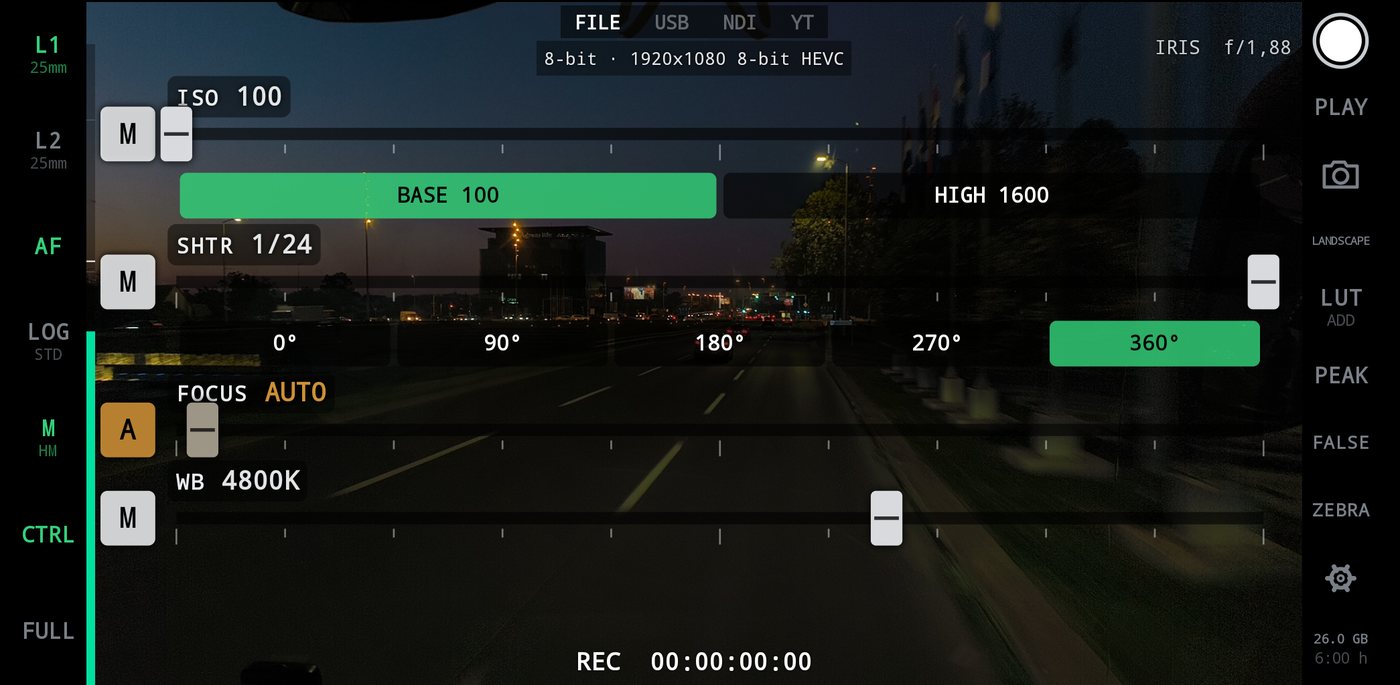
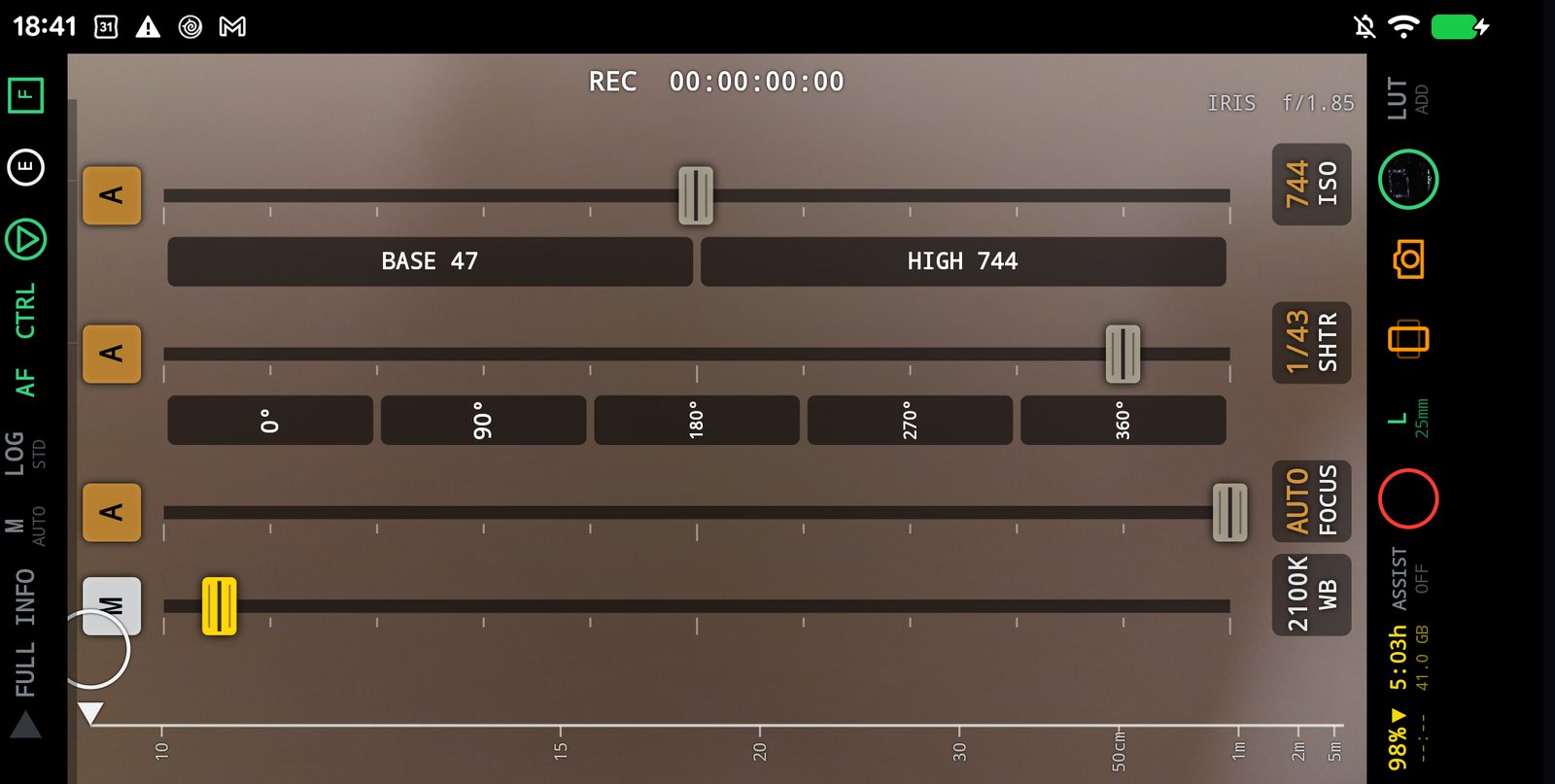
ISO, shutter, focus and white balance each on a thick mixer fader with its own A / M switch. Pull focus yourself while the camera keeps exposure. Shutter presets in degrees, ISO presets at the sensor's cleanest and highest.
02
Log from the cinema cameras
Sony S-Log3, Panasonic V-Log, ARRI LogC3 and LogC4, Blackmagic Film Gen5, in the phone's own tone mapper: in the file and on the stream,.
03
10-bit HLG HEVC
With no log curve, the phone's own broadcast HLG: a soft highlight shoulder like film, a wide gamut, none of the smartphone processing that flattens light. Half the size of H.264.
04
NDI HX and full NDI
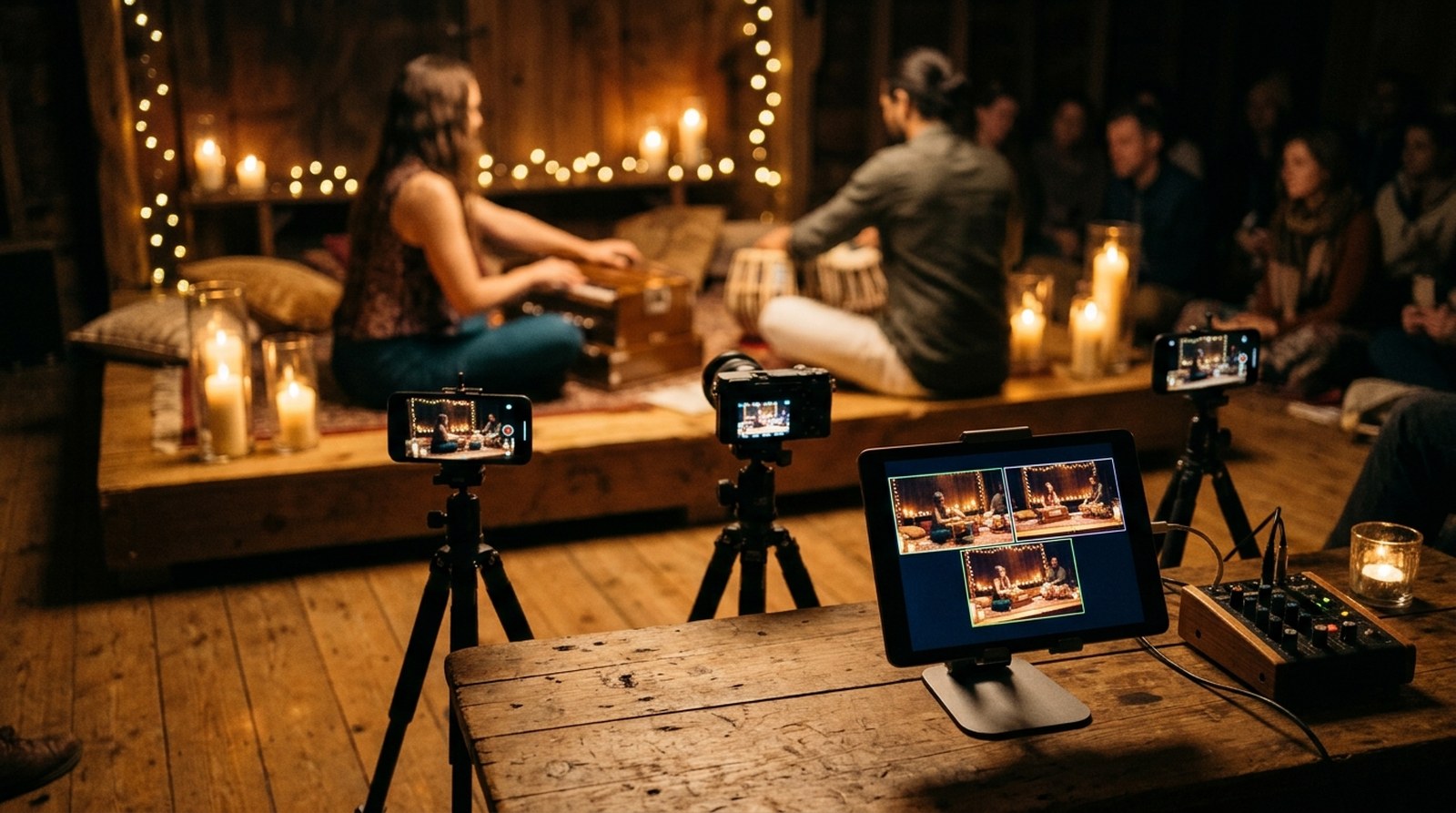
The phone appears as a camera in vMix, OBS, Wirecast, NDI Studio Monitor. Over Wi-Fi, or over a USB cable with no network at all.
05
A truly clean feed
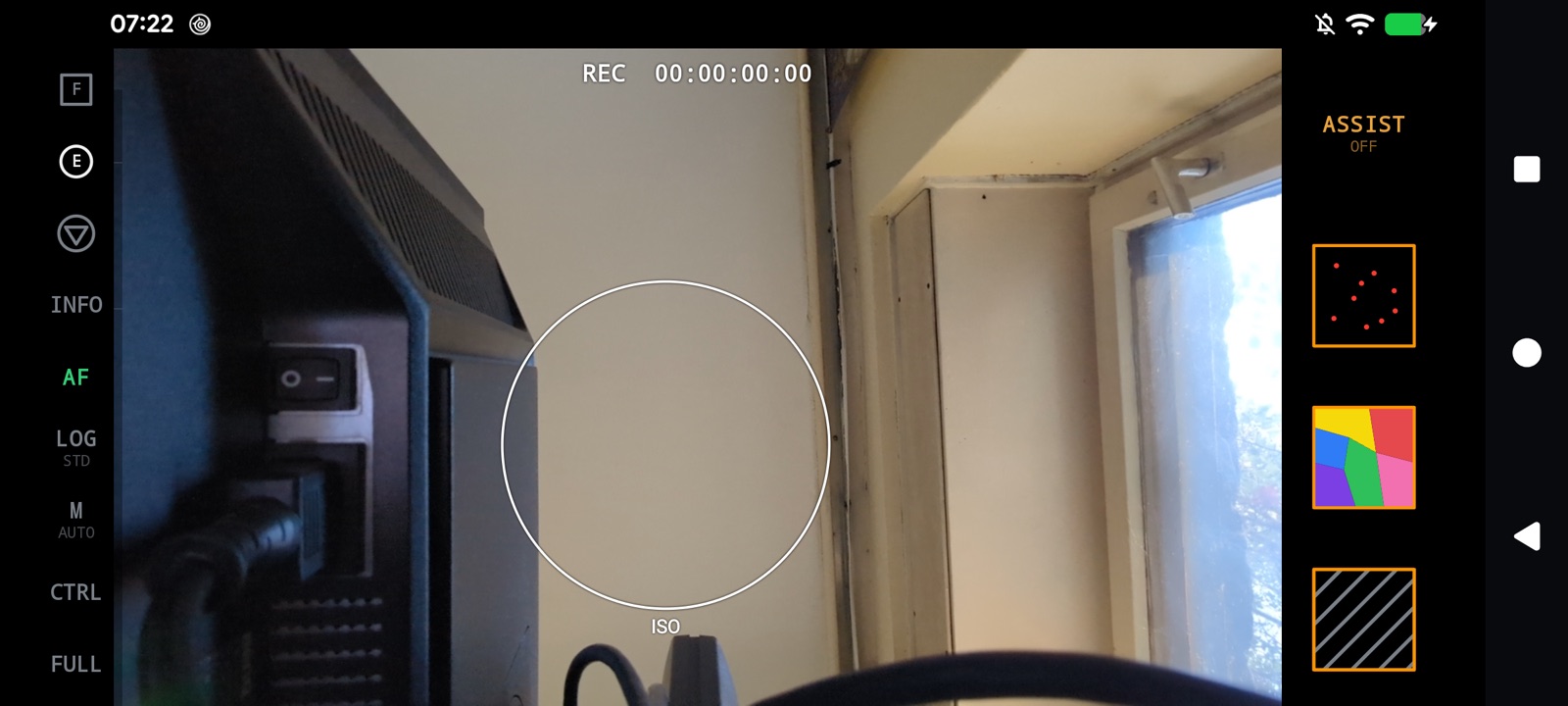
One key, FULL, and there is nothing on the glass but the picture. Mirror the phone to a computer and it is ready to broadcast.
06
Focus you can point at
Tap anywhere to focus there. Pinch the mark from an eye to the whole frame. A focus puller with keyframes on a distance scale racks from one to the next at the speed you choose.
07
Look and exposure tools
Your own .cube LUTs, focus peaking, false colour and zebra, drawn by the GPU on the monitor only, so the recording keeps its full range.
08
White balance like a cinema camera
Kelvin from tungsten to daylight. Tap the triangle on something white: it reads, steps and locks neutral in a few moves.
09
A camera's readouts
Record-run timecode, REC, the free space and the hours left on the drive, to the phone or a USB-C SSD. Every lens one key. The LED as a light on a fader. An UPDATE key brings the newest version.
10
Blender's tracker inside
The focus mark follows a moving subject with libmv, the tracker of Blender's motion-tracking studio, on the phone itself: a swinging ball held in every frame where a plain tracker loses it.
11
Smooth by itself
Hold the focus square or the exposure circle and switch TRACK on: every two seconds it looks again and glides to the new focus, ISO or white balance, and only when the change is real, so a steady shot never pulses.
12
A distance scale you can trust
The focus puller's scale is calibrated against a tape measure: 70 cm reads 70 cm, 3 m reads 3 m. Keyframes land within a hair, every time.
13
Your Mac's webcam, on a cable
On a USB cable the camera's own picture goes straight to a Mac as a webcam for Zoom, Meet and OBS, smooth and without NDI's delay, and the whole camera can be steered there with mouse and keyboard.
14
Two drawers beside REC
LENS and DISPLAY ASSIST sit on either side of the record key. Each opens over the whole rail with large keys (every lens with its millimetres, aperture and resolution; peaking, false colour and zebra) and gives the other keys back when it closes.
15
Time left that tells the truth
The file's bit rate follows the format (720p, 1080p, 4K, 8 or 10-bit, the frame rate), so the time left on the rail changes the moment the format does, shown large beside the battery.
16
Faders that meet the light
Switch a fader to M and a yellow line marks where the meter wants it; slide the cap onto the line and the cap turns yellow. The caps are cut like a mixer's, a line across with a grip either side, and the words on the faders stand upright however the phone is held.
17
The Sony remote, built in
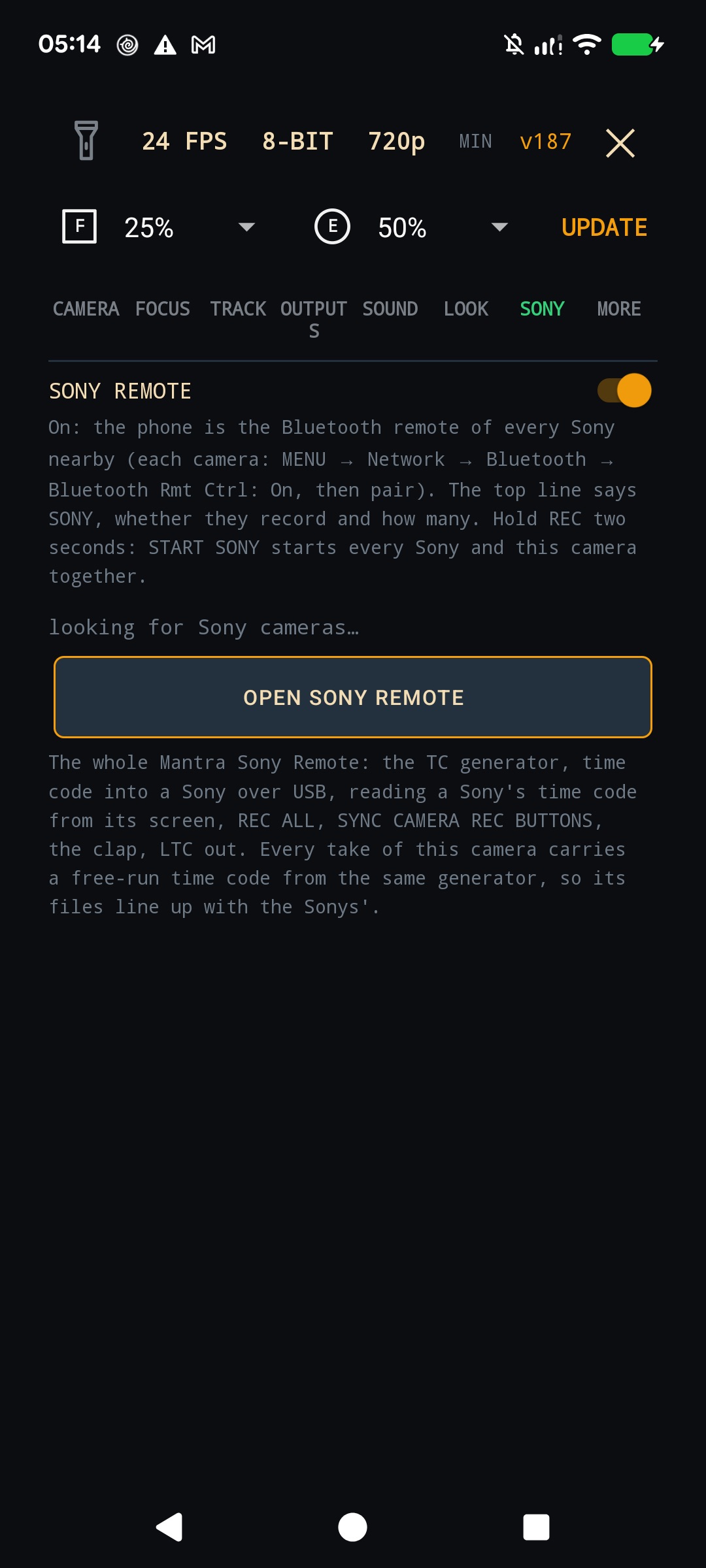
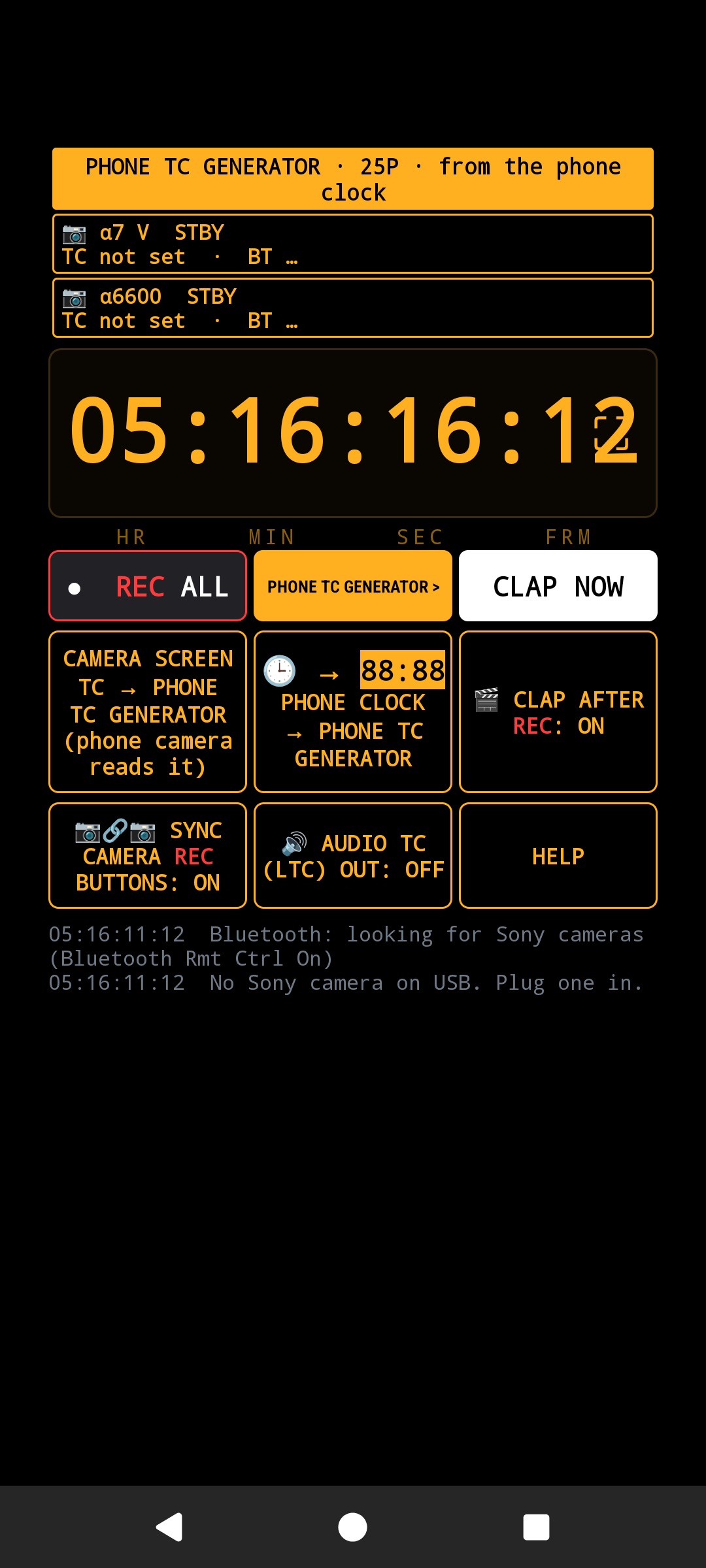
Settings → SONY: the whole Sony Remote (Mantra) inside the camera. A time code generator, time code into a Sony over USB, a Sony's time code read from its screen by the phone's lens, REC ALL over Bluetooth, the clap, LTC out.
18
Your Sonys on the top line
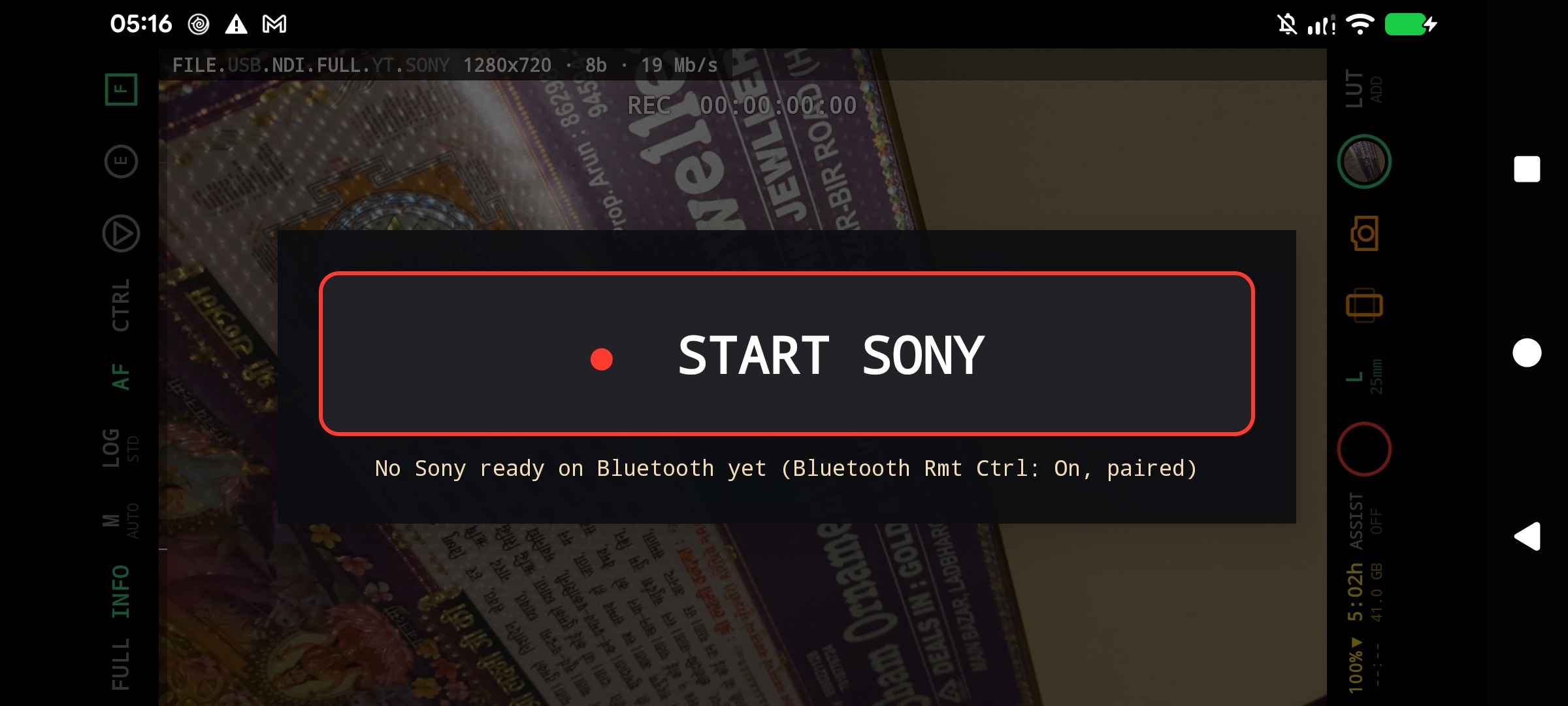
Switch SONY on and the outputs line says how the Alpha bodies are doing: SONY STBY 0/2 while they wait, ● SONY REC 2/2 while they record, how many of how many.
19
Hold REC: START SONY
Hold the record key two seconds and START SONY appears. One touch starts every Sony over Bluetooth and this camera's take together; hold again for STOP SONY.
20
Time code in every file
Every take carries a free-run time code, the time of day of its first frame, as a time code track that Resolve, Premiere and ffprobe read. It runs from the same generator the Sonys are jammed from, so the phone's clips and the Sonys' line up on the timeline by themselves.